

Dashboard overview
Your dashboard shows key metrics and quick access to all your booking features.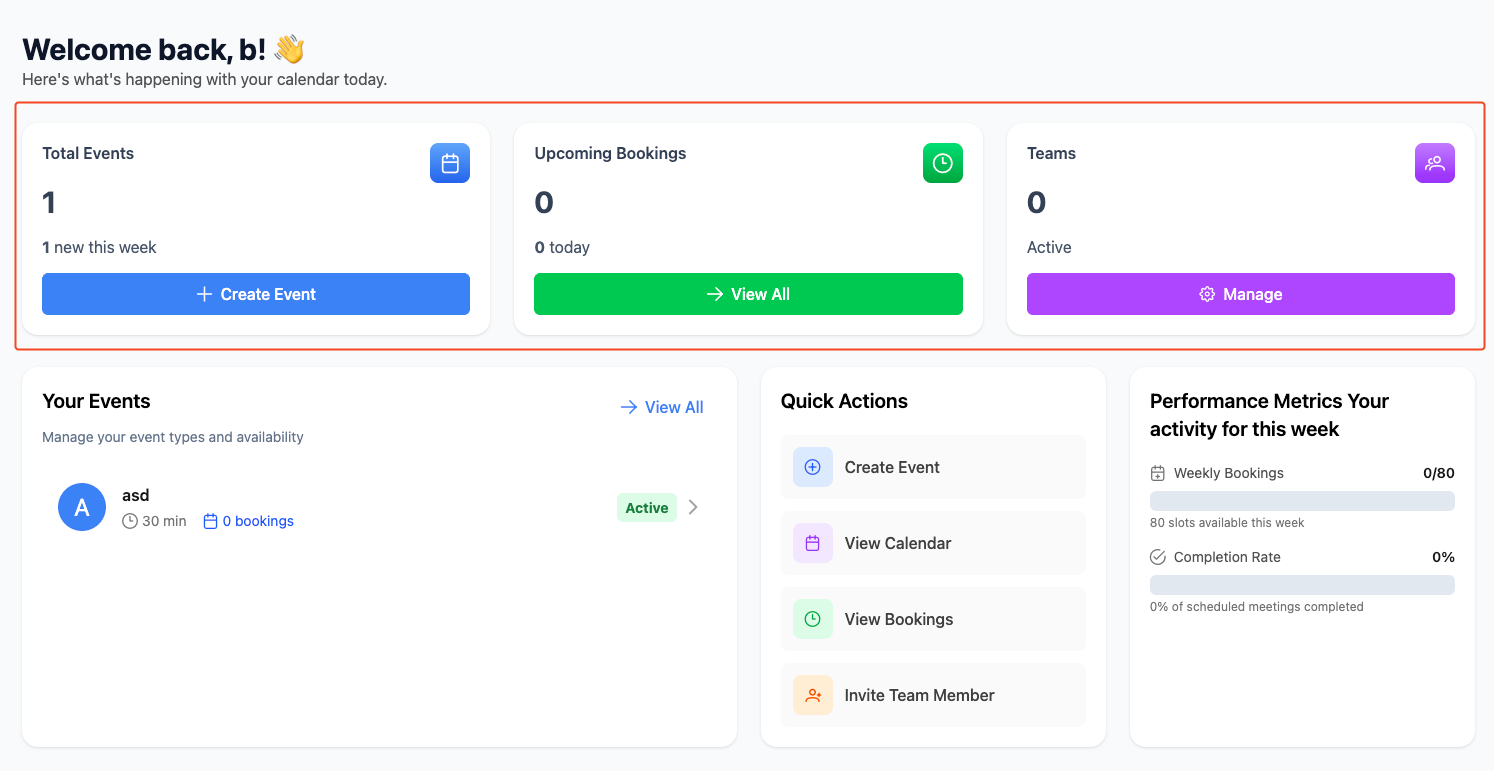
Key metrics
- Total Events: Number of event types you’ve created
- Upcoming Bookings: Meetings scheduled for today
- Teams: Active team members
- Performance: Weekly booking completion rates
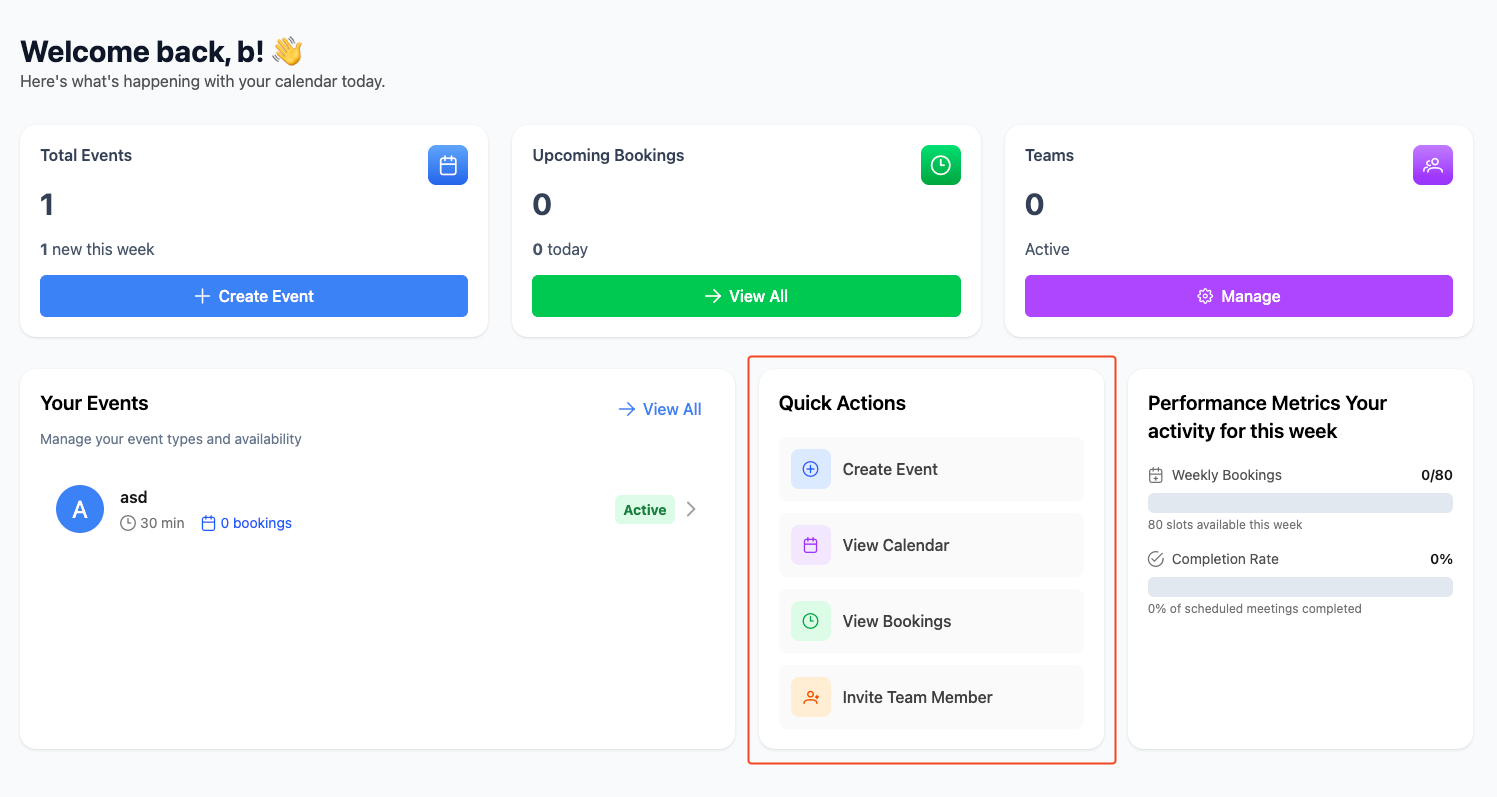
Quick actions
- Create Event: Start a new event type
- View Calendar: See your schedule
- View Bookings: Manage upcoming meetings
- Invite Team Member: Add collaborators
Recent events
See your most recent event types with:- Event name and duration
- Number of bookings
- Active/inactive status
- Quick access to edit or view bookings
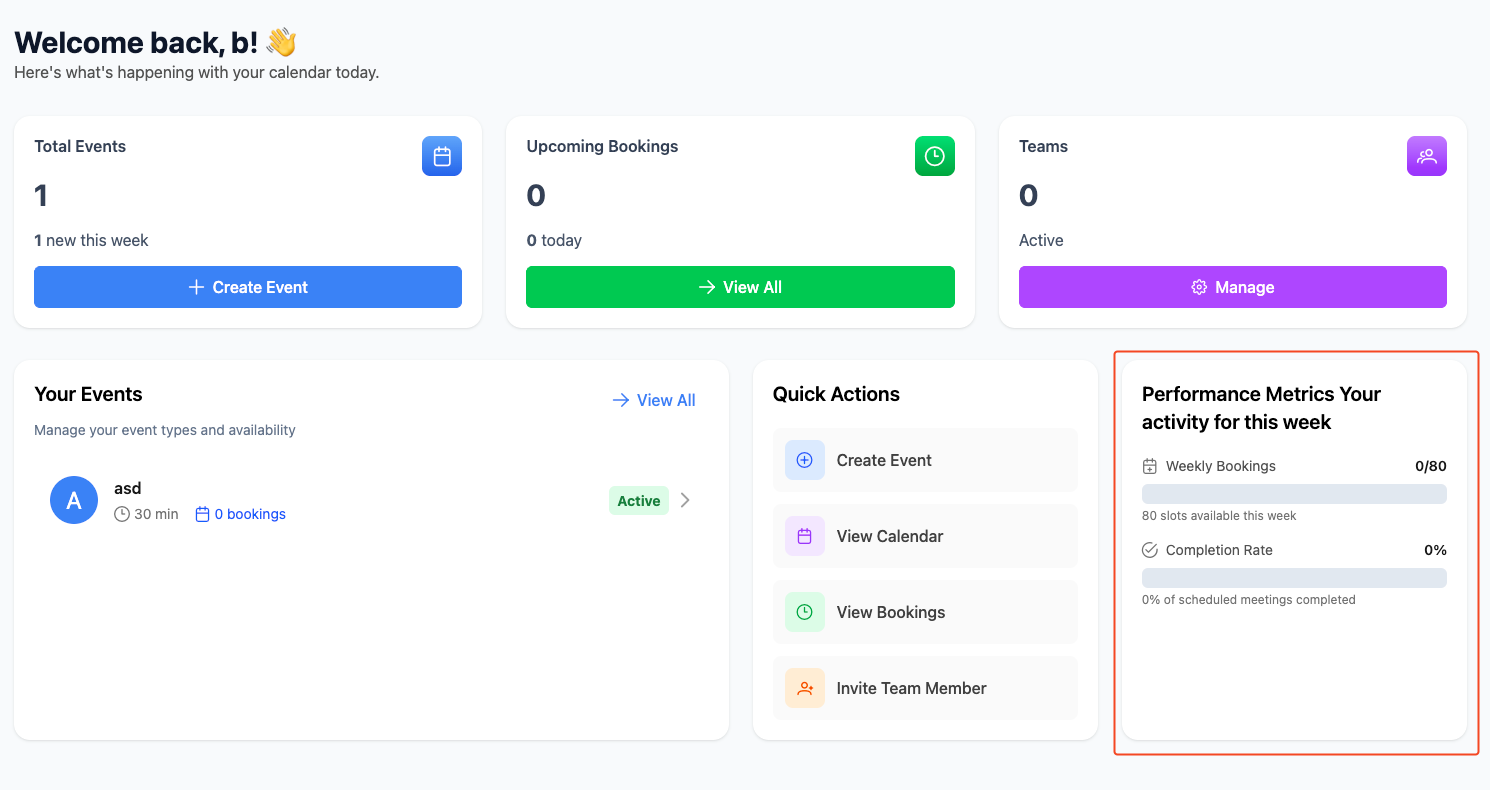
Performance tracking
Monitor your booking success:- Weekly bookings: How many slots you’ve filled
- Completion rate: Percentage of meetings completed
- Available slots: Remaining capacity
Navigation
Use the sidebar to access:- Events: Manage your event types
- Bookings: View and manage meetings
- Calendar: See your schedule
- Teams: Collaborate with others
- Settings: Configure your preferences