

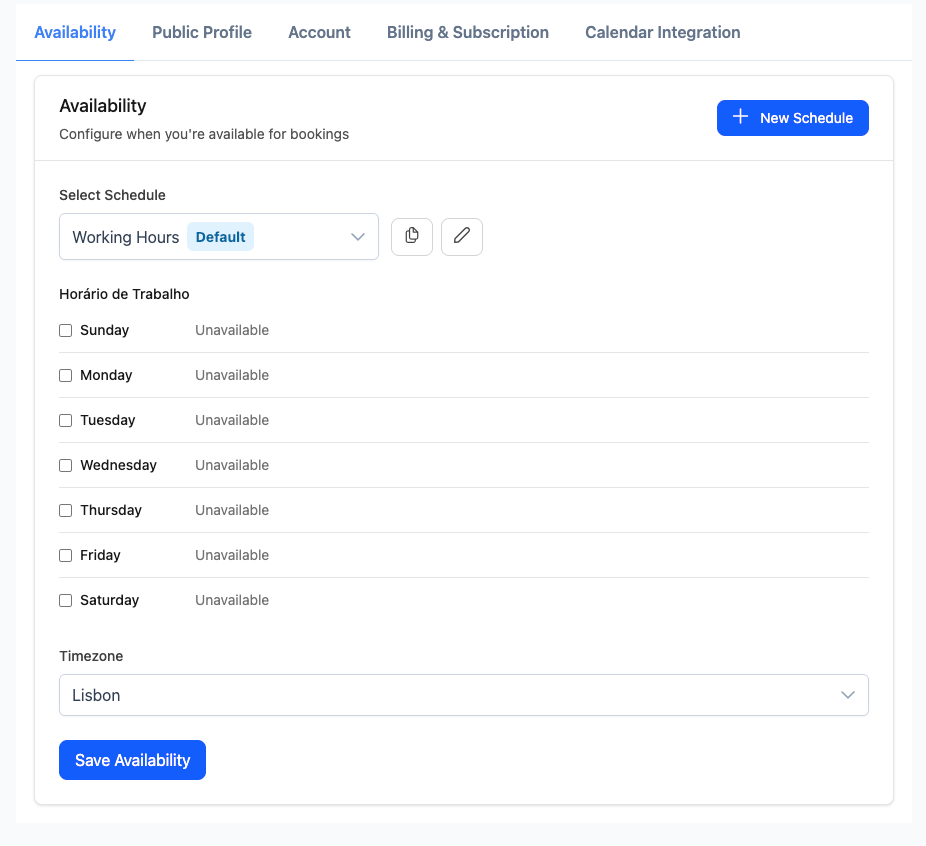
Working hours
- Go to Settings → Availability
- Choose your timezone
- Set start and end times for each weekday
- Save
Breaks and exceptions
- Add recurring breaks (e.g., lunch)
- Add date overrides for holidays or special schedules
Advanced rules
- Minimum scheduling notice (e.g., at least 2 hours)
- Maximum scheduling window (e.g., up to 60 days out)
- Buffer time before/after meetings
Availability determines which time slots appear on your public booking page.